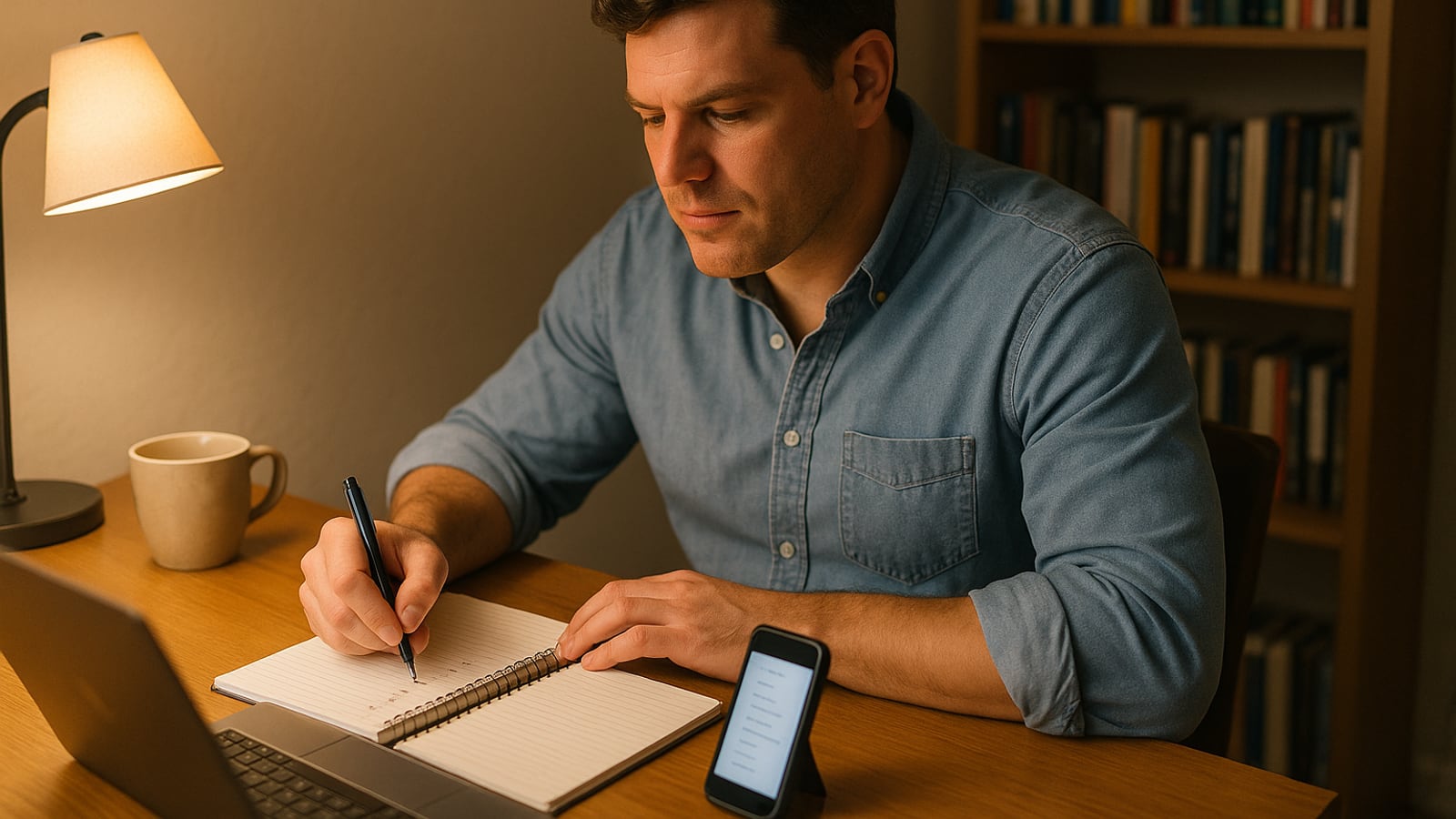
Start with your email. Not your bank, not your social accounts. Email.
Whoever controls your email controls everything else, because every other account on earth will happily send a reset link there. If somebody gets into your inbox at 2am, by 6am they own your bank login, your phone account and your photos. Every hour you spend on security is wasted if the inbox is soft.
So tonight, in this order: email, password manager, two-factor, recovery codes, phone number, then everything else. Three hours if you're thorough. Two if you move.
Get a notebook and a pen. You'll want to write things down on paper, and paper is genuinely part of the plan.
The first thirty minutes: your primary email
Open the account settings for whatever address you use to sign up for things. Gmail, Outlook, iCloud, whatever it's.
Change the password to something long and random. Not a clever variation of the old one. Random, at least 16 characters, generated for you.
Then look at three things most people have never checked:
- Recovery phone and recovery email. Is that still your number? Is that backup address one you can actually open, or is it a college address that died in 2011? An abandoned recovery address is an unlocked back door.
- Forwarding rules and filters. A common trick after a breach is to quietly forward a copy of everything to an attacker's address, or auto-delete security alerts so you never see them. Delete anything you don't recognize.
- Connected apps and devices. Revoke everything you don't use. That free photo editor from four years ago probably still has read access to your mail.
Do this for every email address you still use. Most men have two or three. The old one you "never check" is exactly the one that's holding your recovery links.
Minutes thirty to fifty: install a password manager
You can't remember 200 unique passwords, and you shouldn't try. A password manager generates and stores them, and you remember exactly one long passphrase to open it.
Pick one. 1Password and Bitwarden are both well established, and Apple and Google both have credible built-in options if you live entirely in one ecosystem. The right choice is the one you'll actually use.
Your master password should be a phrase, not a word. Four or five unrelated words strung together, something you can type quickly but nobody could guess. Write it down once, on paper, and put it somewhere only you and your spouse can reach. A safe, a lockbox, the envelope with the passports.
That last bit isn't a compromise. It's the point. If you get hit by a car on Thursday, your wife needs to be able to pay the mortgage on Friday.
Then install the browser extension and the phone app. Sign in on both. Done.
The next hour: the accounts that actually matter
You don't have to fix 200 logins tonight. You have to fix about twelve. Write the list in your notebook:
- Primary email (done)
- Secondary email
- Your bank, and your credit card if it's separate
- Your phone carrier
- Apple ID or Google account
- Amazon or whatever you shop with most
- Your employer's login, if you use it from home
- Your domain or website host, if you have one
- Brokerage or retirement account
- Insurance and health portals
- The two or three social accounts you'd hate to lose
- Anything that stores your Social Security number
For each one: new random password from the manager, and turn on two-factor authentication.
Work down the list without stopping to reorganize your digital life. You'll want to. Don't. Finish the list first.
Two-factor, done properly
There's a hierarchy here and it's worth knowing.
SMS codes are the weakest form, because a determined attacker can convince your carrier to move your number to their phone. Still enormously better than nothing. If SMS is the only option an account offers, take it.
Authenticator apps generate a rotating six-digit code on your device. Nothing to intercept. This is the sensible default for most accounts, and most password managers can do it for you, which means one fewer app.
Hardware keys are physical devices you tap or plug in. A YubiKey is the best-known example. They're the strongest option available and they're the right call for your email and your money. Buy two, register both, keep the spare somewhere other than your keyring.
Whichever you pick, the moment you enable it the site will show you a set of recovery codes. This is the step everybody skips and everybody regrets.
Print them. Or write them in that notebook. Put them with the master password.
Lose your phone with no recovery codes and you're locked out of your own life, arguing with a support queue and photographing your driver's license for a stranger.
Fifteen minutes on your phone number
Call your carrier or log in to your account and ask for a port-out PIN or a number transfer lock. Different carriers call it different things. It's a code required before your number can be moved to another device or another company.
SIM-swap fraud works precisely because carrier support staff are trained to be helpful. A PIN makes helpfulness insufficient.
While you're there, set an account passcode for phone support too, and make it different from anything else you use.
The last half hour: clean up and close doors
Check your email address at Have I Been Pwned. It's a free breach-notification service run for exactly this purpose, and it'll tell you which old leaks your address turned up in. Anywhere it names, change that password, assuming you still use the account.
If you don't still use the account, delete it. A dormant account holding your old address and the last four of your card is a liability with no upside.
Then your devices. Screen lock with a six-digit PIN or better, not four. Encryption on (it's default on modern phones, and it's a toggle on Windows and Mac laptops). Automatic updates on. Find My enabled so you can wipe a lost phone remotely.
And back something up. Photos of your kids aren't recoverable from a support ticket.
What goes wrong
Three failure modes, all of them common.
You do everything except the recovery codes, then lose your phone in a river.
You do everything and tell nobody, then your wife can't access the utility account when you're traveling. Fix that with the shared vault feature in your password manager, and a conversation. Both of you should know where the paper is.
Or you start strong, spend ninety minutes reorganizing folders, and never get to the bank.
One evening, then a calendar reminder
Put a recurring note in your calendar for the same week next year. Twenty minutes, once, to check recovery details and revoke app access you've accumulated. That's the whole maintenance burden.
The thing nobody tells you about security work is that it isn't a lifestyle. It's a chore, like changing the smoke alarm batteries. You do it properly, you write down where the paper is, and you go back to your life.
Pick a Tuesday. Tell your wife what you're doing and why. Then hand her the envelope.
Dean Shaw
Gear & Garage
Tests things until they break, then reports what broke first. Trucks, tools, watches, and the cheap version that costs more.

Watch
Worth an hour of your evening
More from Gadgets.
From channels we rate. Plays on YouTube.
Read next