Somebody walks into a carrier store with your name, your address and a story about a cracked screen. Twelve minutes later your number lives on their SIM, your phone drops to "No Service," and every six-digit code your bank sends goes to them. That's a SIM swap. It doesn't require a hacker in a hoodie. It requires a persuasive person and an underpaid retail employee who wants the line to move.
That's the entire case against text-message two-factor in one paragraph. It's not that SMS is useless. It's that SMS is the only second factor where a stranger can take it away from you without ever touching your phone.
Most people set up 2FA once, years ago, ticked the box that said "text me a code," and never looked again. The good news is the fix takes about twenty minutes and it's free for the first three tiers.
The ranking, worst to best
Email codes. A code sent to your email isn't a second factor. It's your first factor wearing a hat. If somebody's in your email, they're in everything, because email is the reset button for your entire life. Treat any service that only offers email codes as a service with no 2FA.
SMS codes. Better than nothing, and I mean that literally. It stops credential stuffing, which is the most common attack by a mile. But it fails three ways: the SIM swap above, phishing sites that ask you for the code in real time and relay it, and the fact that your carrier's support line is a human being who can be talked into things.
Push approvals. The "Approve sign-in?" popup. Stronger than SMS, because the prompt goes to a device, not a phone number. The weakness has a name: prompt bombing. An attacker with your password hits sign-in forty times at 2 a.m. until you tap Approve just to make the buzzing stop. Number matching, where the screen shows two digits you have to type, fixes most of this. If your work uses push, make sure number matching is on.
Authenticator apps (TOTP). The rolling six-digit code that refreshes every thirty seconds. This is the sweet spot for most accounts. The secret lives on your device, your carrier is out of the loop entirely, and it works on a plane. It can still be phished, because you can be tricked into typing the number into a fake page. But nobody takes it from you remotely.
Passkeys. A cryptographic key pair stored on your phone, laptop or password manager, unlocked with your face or fingerprint. There's no code to type and nothing to hand over. Critically, a passkey is bound to the real domain. A fake login page at app1e-support.com simply won't trigger it. That's the part that matters.
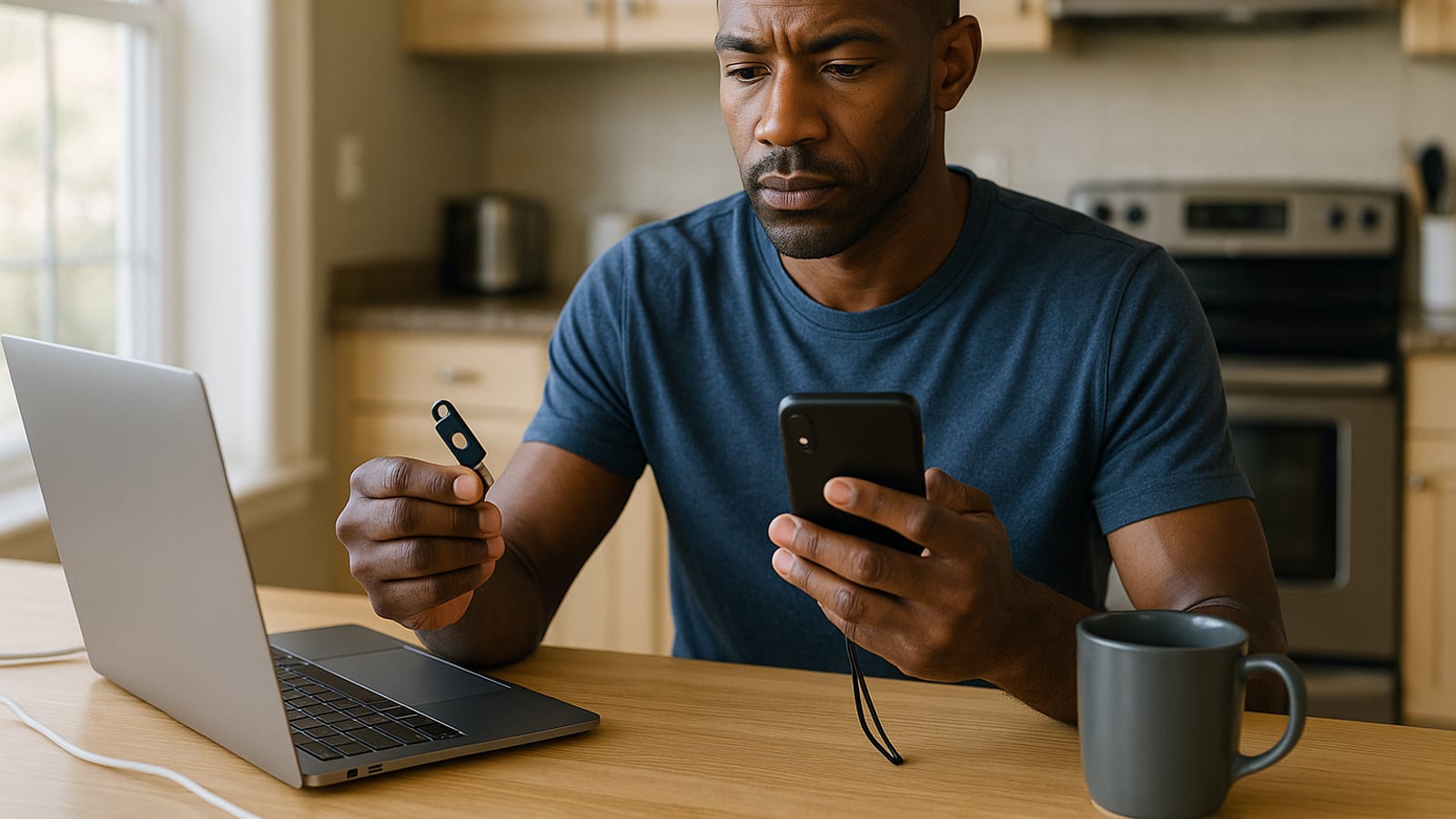
Hardware security keys. A physical fob you plug into USB or tap against the back of your phone. Same phishing resistance as passkeys, but the key lives on a separate object you can put in a drawer. Budget roughly thirty to sixty dollars each, depending on whether you want NFC and USB-C.
Buy two keys or don't buy any
This is the mistake that turns a security upgrade into a disaster. You buy one hardware key, register it on your Google account, feel excellent about yourself, then lose it in a rental car in Denver.
Keys come in pairs for a reason. Register both on every account at the same time. One goes on your keyring. The other goes somewhere boring and fireproof-ish: a document safe, a locked desk drawer, your parents' house. Never travel with both.
The same logic applies to authenticator apps. If your whole TOTP library sits on one phone with no backup, you're one toilet away from locked out of your own bank.
Pick an authenticator app that you can actually leave
Google Authenticator now syncs to your Google account. Microsoft Authenticator backs up too. Password managers like 1Password and Bitwarden will hold TOTP codes alongside the password, which is convenient and slightly reduces the "two factors" idea, since one breach gets both. I'd still take it over SMS every day of the week.
The thing to check before you commit: can you export? Some apps let you move your codes out in a readable format. Some deliberately don't. Getting locked into an authenticator is a real cost nobody mentions until you're standing there re-enrolling thirty accounts by hand.
Aegis on Android and Raivo or 2FAS on iOS are worth a look if you want an encrypted backup file you control.
The part everyone skips
Recovery codes. When you turn on 2FA, most services hand you eight or ten single-use backup codes and say "store these somewhere safe." Almost nobody does. They screenshot them into the camera roll, which means they're now in the same cloud account the codes are supposed to protect.
Print them. Actual paper, actual printer. Fold them into an envelope and put them with your passport. If you'd rather not print, write them into a secure note in your password manager, but understand you've now made that one account the master key to everything.
And here's the uncomfortable truth about all of this: your security is only as strong as your weakest recovery path. You can put a hardware key on your email and still lose the account if the "forgot password" flow will text a code to your phone number. Go into the account settings and remove the phone number as a recovery method wherever the service allows it. Some won't let you. Note which ones, and accept that those accounts are only as strong as your carrier.
Lock the carrier door
Twenty minutes, one phone call, and it kills the SIM swap outright.
Call your carrier, or dig into the account security page, and ask for a port-out PIN or number transfer lock. AT&T, Verizon and T-Mobile all offer some version. It's a separate code required before your number can move to another carrier or another SIM. Do this even if you've moved everything to authenticator apps, because your number is still tied to banks, the IRS and whoever else refuses to modernize.
While you're in there, set an account PIN that isn't your birthday, your ZIP code or the last four of your Social.
The order to do it in
Do them in this sequence, because compromising the first one compromises everything below it.
- Email. Passkey or hardware key. This is the crown jewels. Not negotiable.
- Password manager. Hardware key if it supports one, TOTP otherwise.
- Apple ID or Google account. Passkey.
- Bank and brokerage. Take the strongest thing offered. Many still only do SMS. This is where the carrier port-out lock earns its keep.
- Social and anything with your name on it publicly. TOTP at minimum.
You'll hit friction. Some banking apps have security options buried three menus deep under a heading like "Manage Sign-In Preferences." Some will make you call. One or two will tell you passkeys are coming soon and have been telling people that for a while.
Do the email account tonight. If you only ever do one, that's the one, because every other password in your life can be reset from it. The rest can wait for a rainy Sunday.
Dean Shaw
Gear & Garage
Tests things until they break, then reports what broke first. Trucks, tools, watches, and the cheap version that costs more.

Watch
Worth an hour of your evening
More from Gadgets.
From channels we rate. Plays on YouTube.
Read next