

What a quietly rewritten headline tells you about the story
Outlets change headlines after publication all the time. The reason for the change tells you more than the change itself, and you can check it in two minutes.
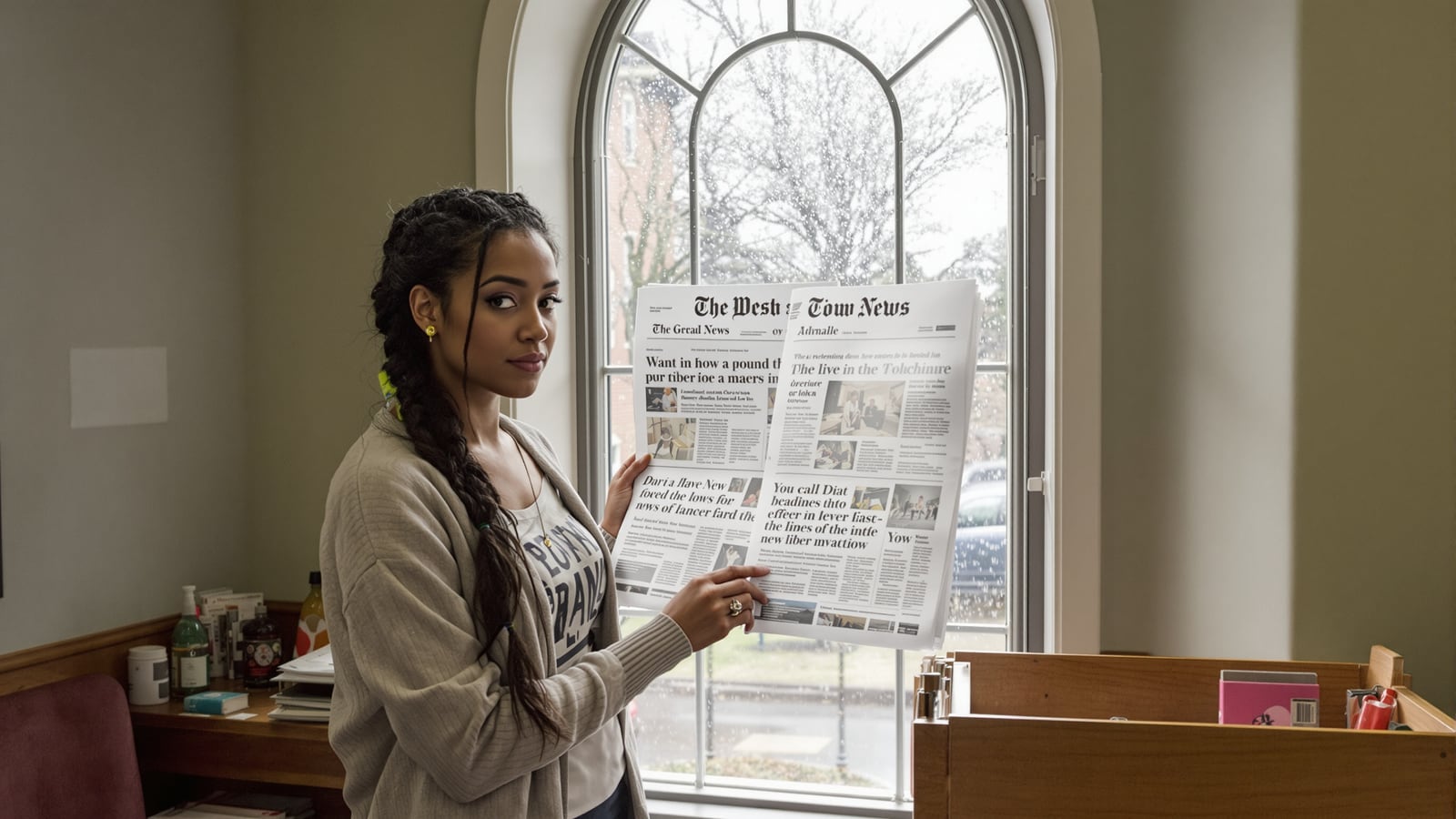
Quick answer: A changed headline is a clue, not a verdict. Find the original through the URL or the Wayback Machine, sort the change into one of five types, then look for a correction note. The type tells you what happened. The note tells you whether the outlet was straight with you.
Start with the mismatch
Somebody in the group text quotes a headline. You click the link and the headline on the page says something different. Maybe softer. Maybe more specific. Maybe the quote in the text isn't there at all.
Most people stop at "they changed it, so they're hiding something." That's a guess. Before you form an opinion about the outlet, find out what the first version said.
Three ways to find the original
Read the URL. Many sites build the web address from the headline as first written, and they don't update it when the headline changes. If the link reads something like /senator-blasts-new-bill and the page now says "Senator questions new bill," you've found the first draft without leaving the page. Not every site works this way, but plenty do.
Use the Wayback Machine. Go to web.archive.org, paste in the article's address, and pick a snapshot by date. Open two of them, one early and one recent, and compare. It's free and takes about two minutes.
The limit is coverage. The archive doesn't save every page, and it can't show edits made between snapshots. If it has nothing, that proves nothing either way.
Check the tab and the share card. The title in your browser tab and the preview that appears when a link is posted to social media are set separately from the headline on the page. Social previews are often cached, so the old wording can hang around after the page has been fixed. If the preview and the page disagree, that's a sign of a revision. It isn't a sign of a conspiracy.
If you're reading something that matters and you suspect it'll change, save it yourself. The Wayback Machine has a "Save Page Now" option. A dated screenshot that shows the full address works too.
Sort the change into one of five types
Once you've got both versions, ask what kind of change it was. Here are the five I'd use.
1. The error fix. A name misspelled, a wrong number, a wrong city. Boring and good. An outlet that fixes these quickly is doing its job.
2. The update. The story moved. "Police search for suspect" becomes "Suspect arrested." The headline changed because the world did. Check whether the timestamp says "updated."
3. The overreach correction. The headline claimed more than the article supported, and someone caught it. Suppose, as a made-up illustration that points at no outlet, a headline says a politician "demands" something and the body shows he only "asked about" it. When the headline gets pulled back to match the body, you've learned the headline writer pushed past the reporting. That's worth noticing. It also isn't the same as the reporter lying. Headlines are usually written by an editor, not the person who wrote the story.
4. The test. Many outlets try several headlines on a story and keep the one that gets the most clicks. If the new version is punchier, more emotional or vaguer ("You won't believe what he said"), that's probably what happened. It says something about the outlet's incentives. It says little about the facts.
5. The walkback. The original drew heat, and the new version retreats from it with no acknowledgment. This is the one worth caring about. The first version did its work, got shared thousands of times, and the quiet fix landed with almost nobody.
Then look for the note
The type matters less than what the outlet did next. Scroll to the top and bottom of the article. A trustworthy outlet will usually say something plain: "This story's headline was changed to better reflect the reporting," or "An earlier version of this article said..."
Compare these:
- Fixed and flagged. The change is small and the note says so. That's an outlet that respects you.
- Fixed and silent. A typo with no note is normal. A change in meaning with no note is a stealth edit, and it should cost the outlet some of your trust.
- Not fixed. The article contradicts its own headline, and nobody has touched it. That's carelessness at best.
How an outlet handles its mistakes is one of the better predictors of how it handles everything else. We cover the habits to look for in How to Tell Which Outlets Actually Own Their Mistakes.
Run the same test on your own side
This is where the method gets honest. Every outlet changes headlines, the ones you trust and the ones you can't stand. Left, right and center all do it, for the same reasons.
So apply one standard. If you'd call a quiet rewrite damning when a paper you dislike does it, you owe the same scrutiny to the one you read every morning. If you'd shrug at a fix from an outlet you like, shrug when it comes from the other side too, unless the meaning changed and nobody said so.
Distrust of the press is earned in plenty of cases. The way to use it well is to be exact. "This outlet changed the meaning of a headline and said nothing" is a charge that holds up. "They're all liars" isn't, and it leaves you with no way to tell a careless outlet from a careful one.
What a change doesn't tell you
Be careful about the leaps.
- It doesn't prove the story is wrong. A reporter can get the facts right under a headline that overshot.
- It doesn't prove bias. An overreaching headline is often just a hurried one.
- It doesn't prove the new version is right. A correction can be wrong too. Check the body against the evidence, and check where the claim came from. The four questions an editor asks before a story runs is a good place to start.
- A missing original isn't a smoking gun. Gaps in the archive are common.
The two-minute routine
Next time a headline looks different from what somebody quoted to you:
- Read the URL for clues to the first version.
- Open the Wayback Machine and compare an early snapshot with the current page.
- Decide which of the five types it was.
- Look for a note at the top or bottom of the article.
- Ask whether the body of the story supports the headline as it stands now.
Then share the link or don't, and say what you found. "The headline was softened after publication and there's no note" is useful to your group chat. A screenshot with three exclamation points isn't.
The first version of a headline travels fastest. Be the person who goes back and reads the second one.
Marcus Vale
Editor-in-Chief
Twenty years in magazines, most of it deciding what to cut. Writes about work, discipline and the decisions that compound.

Watch
Worth an hour of your evening
More from Media Literacy.
From channels we rate. Plays on YouTube.
Read next